See EventPulse in motion
A guided library of short, narrated demos showing exactly how the platform works — from creating events to wiring up integrations. Search, watch, and explore at your own pace.
- 11
- Demos
- 7
- Categories
- 5:22
- Total runtime
11 demos
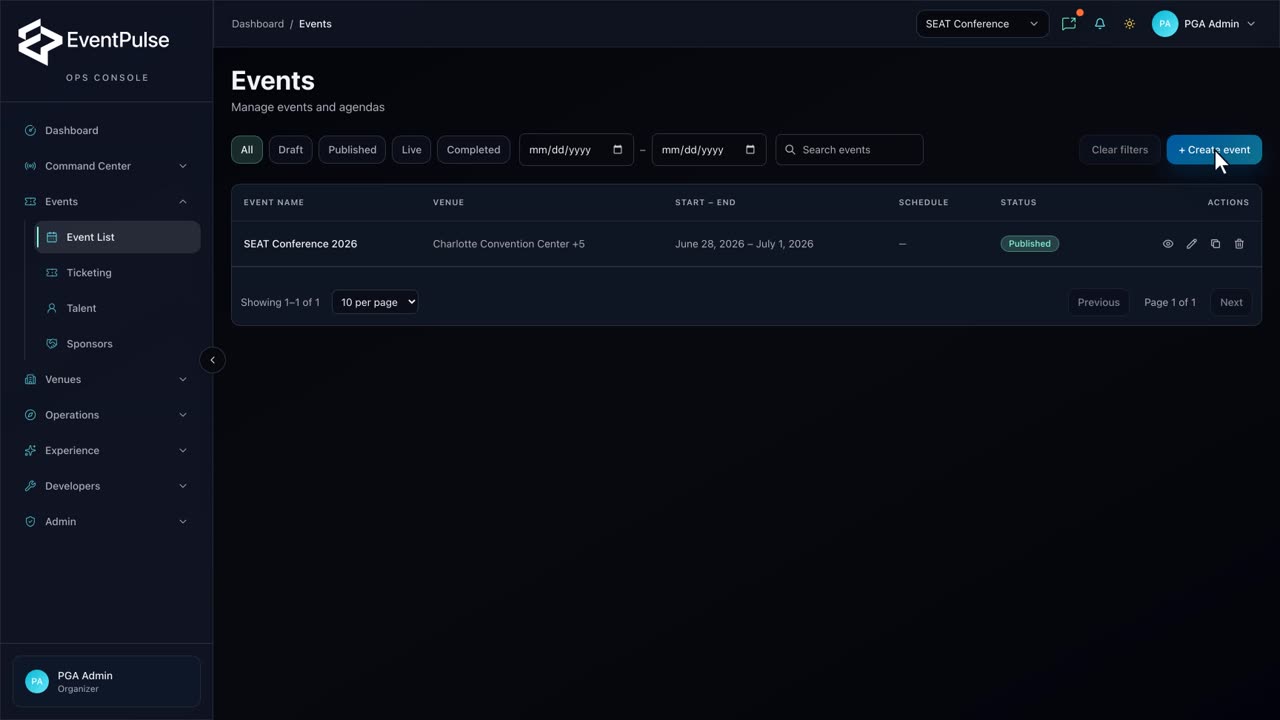 0:27
0:27Create an event
Open the event builder, name a new event, and move into scheduling — the starting point for every program.
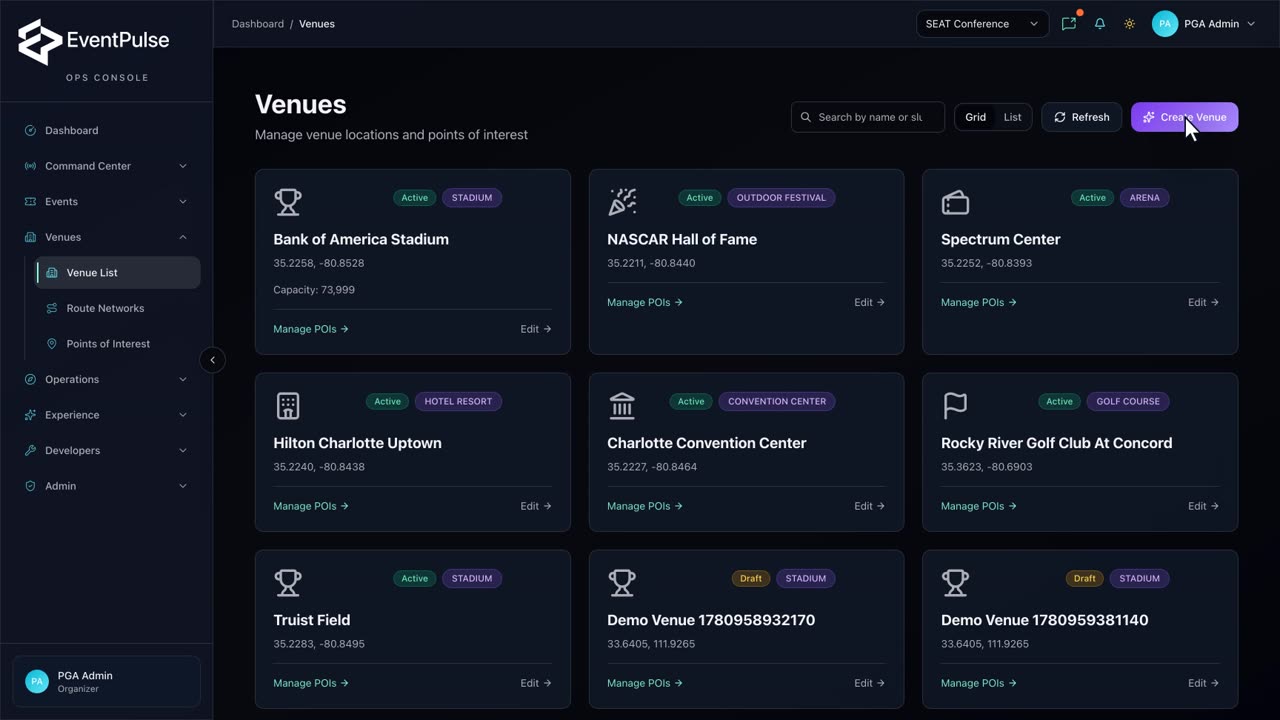 0:40
0:40Add a venue
Register a new venue with its address and map coordinates so it can anchor events and experiences.
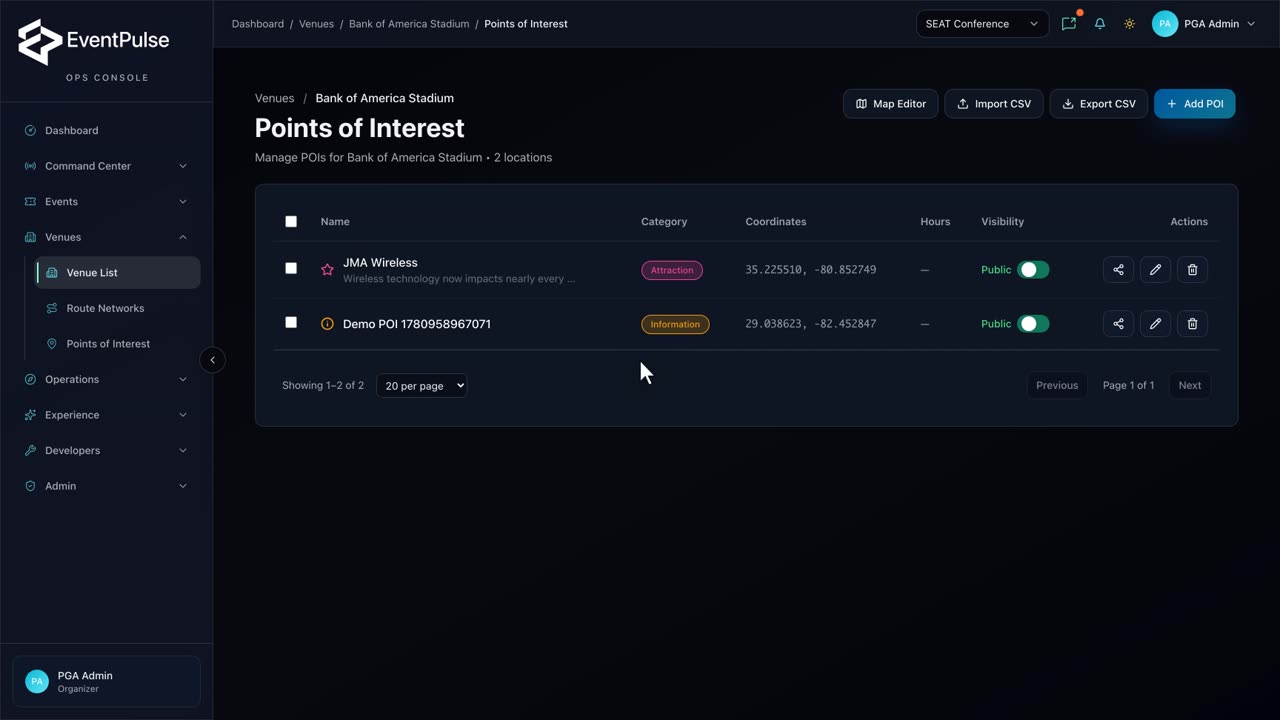 0:35
0:35Add a point of interest
Drop a point of interest onto a venue map so guests can find food, gates, and key locations in-app.
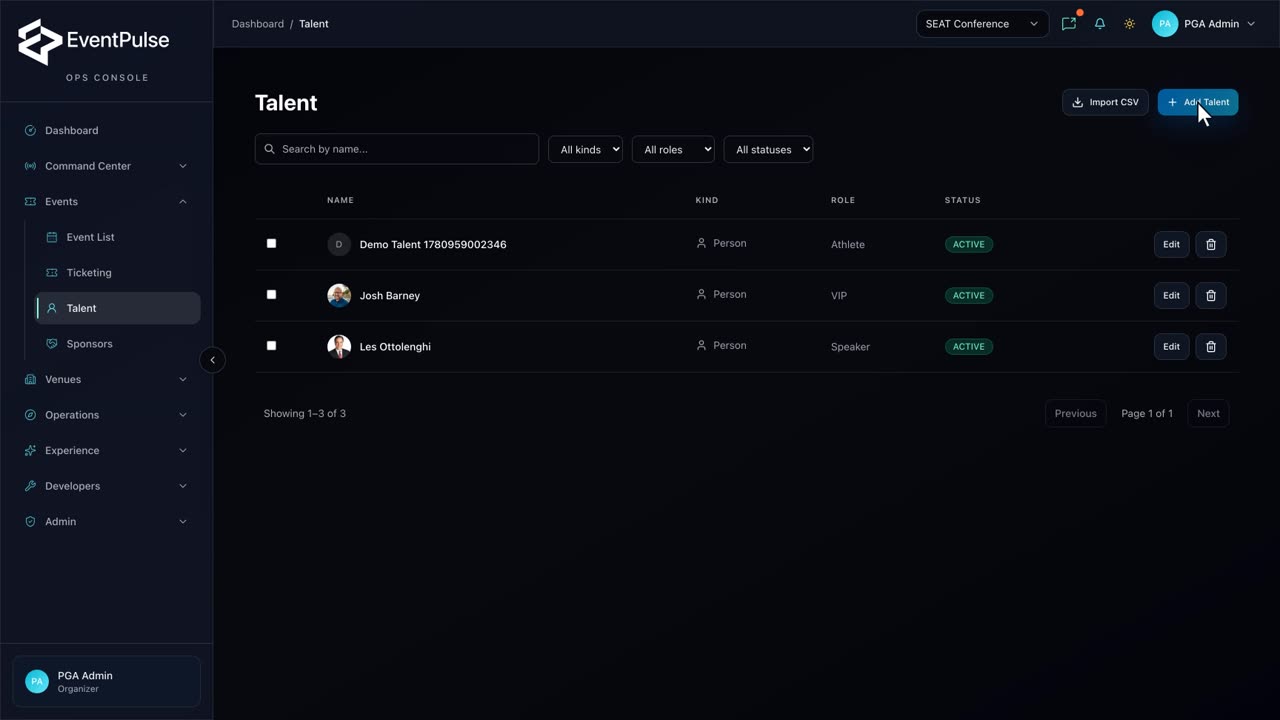 0:28
0:28Add a talent profile
Create an athlete or performer profile and activate it so it can be featured across the event experience.
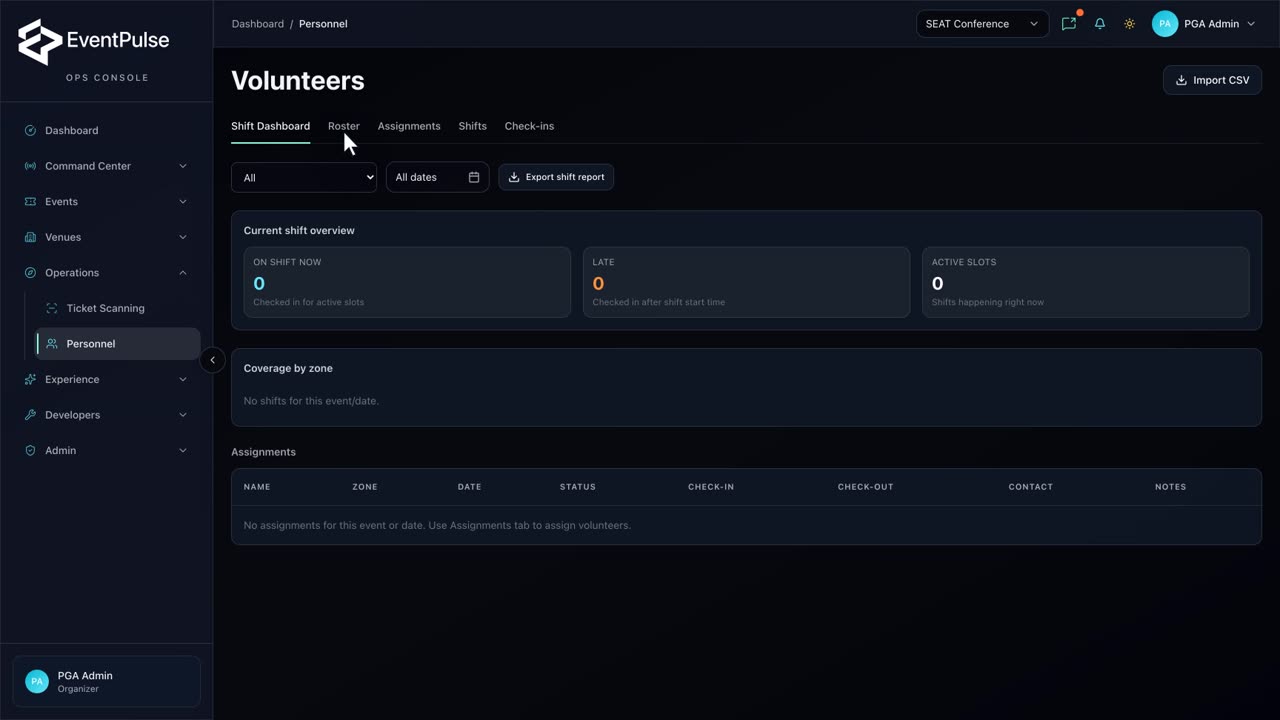 0:34
0:34Add a volunteer
Add a volunteer to the roster with their contact details and role, ready to be scheduled for shifts.
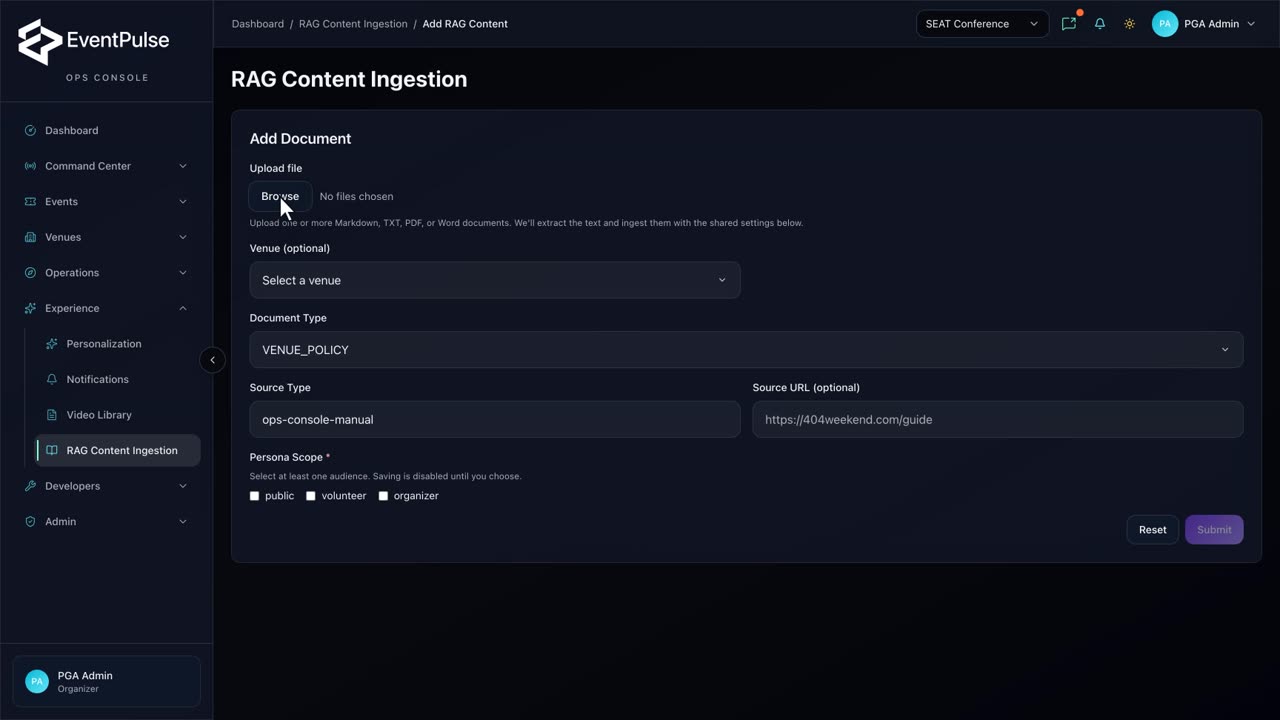 0:23
0:23Add a knowledge-base document
Bring a policy, FAQ, or guide into the AI assistant and choose which audiences it can answer for.
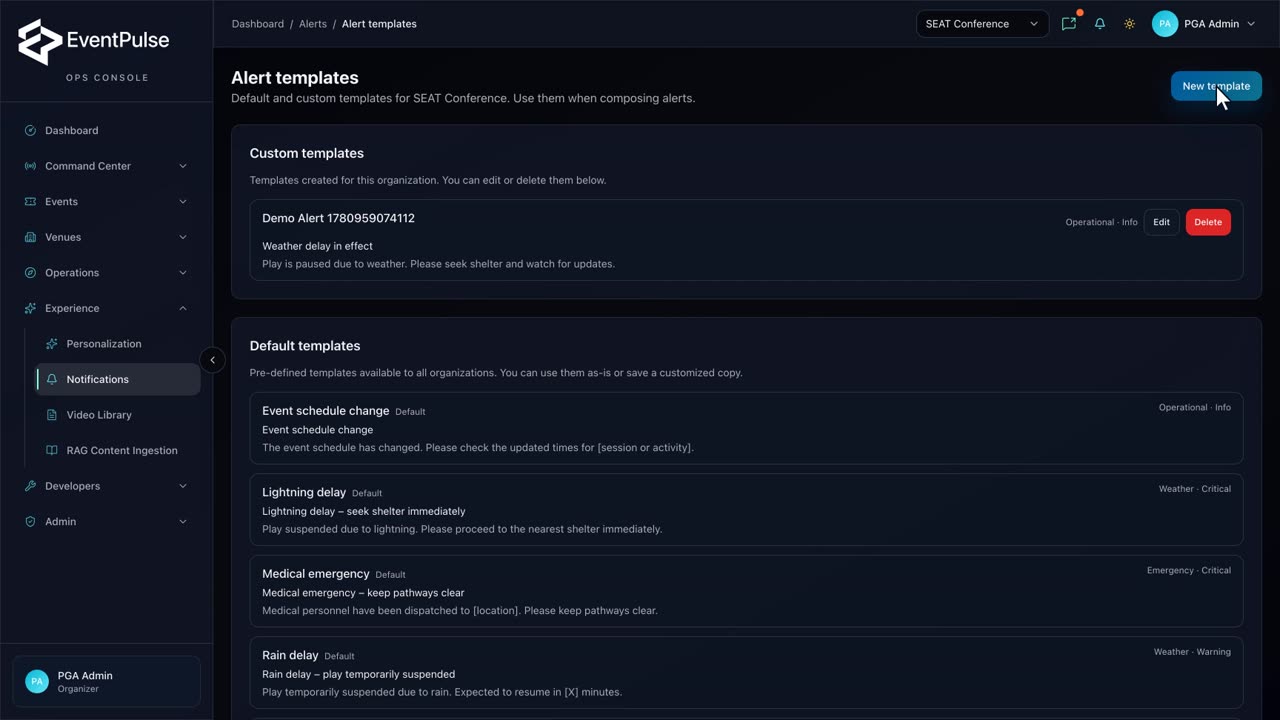 0:30
0:30Create an alert template
Build a reusable alert template — name, headline, and message — so ops can broadcast in seconds.
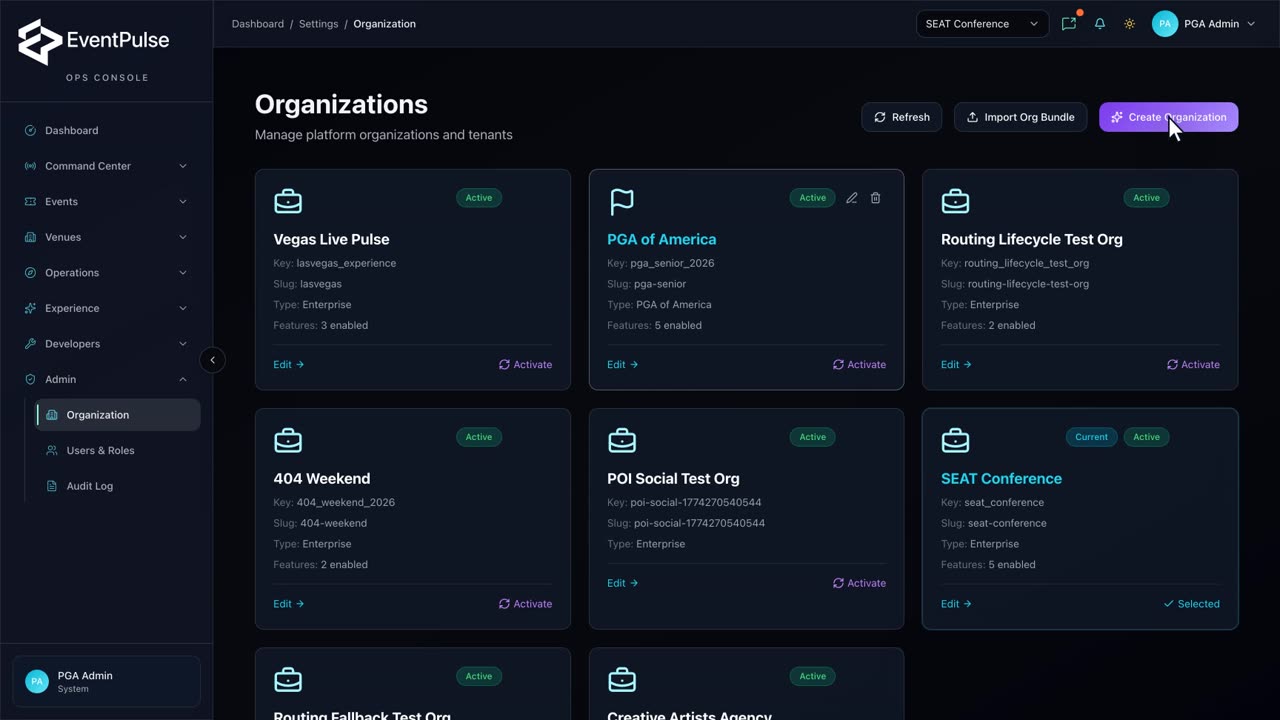 0:21
0:21Create an organization
Provision a brand-new tenant on the platform — keys and slugs generate automatically from the name.
 0:31
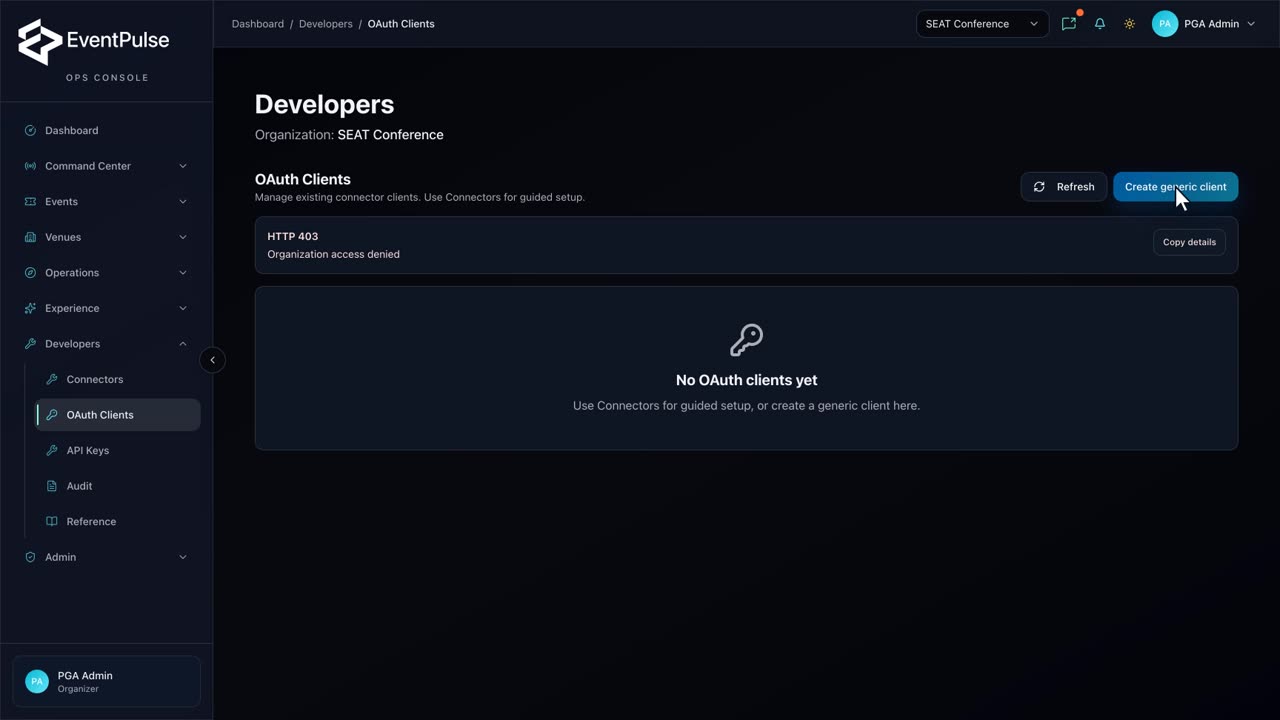
0:31Create an OAuth client
Register an OAuth client so a partner can connect over MCP, with PKCE auth and scopes pre-selected.
 0:46
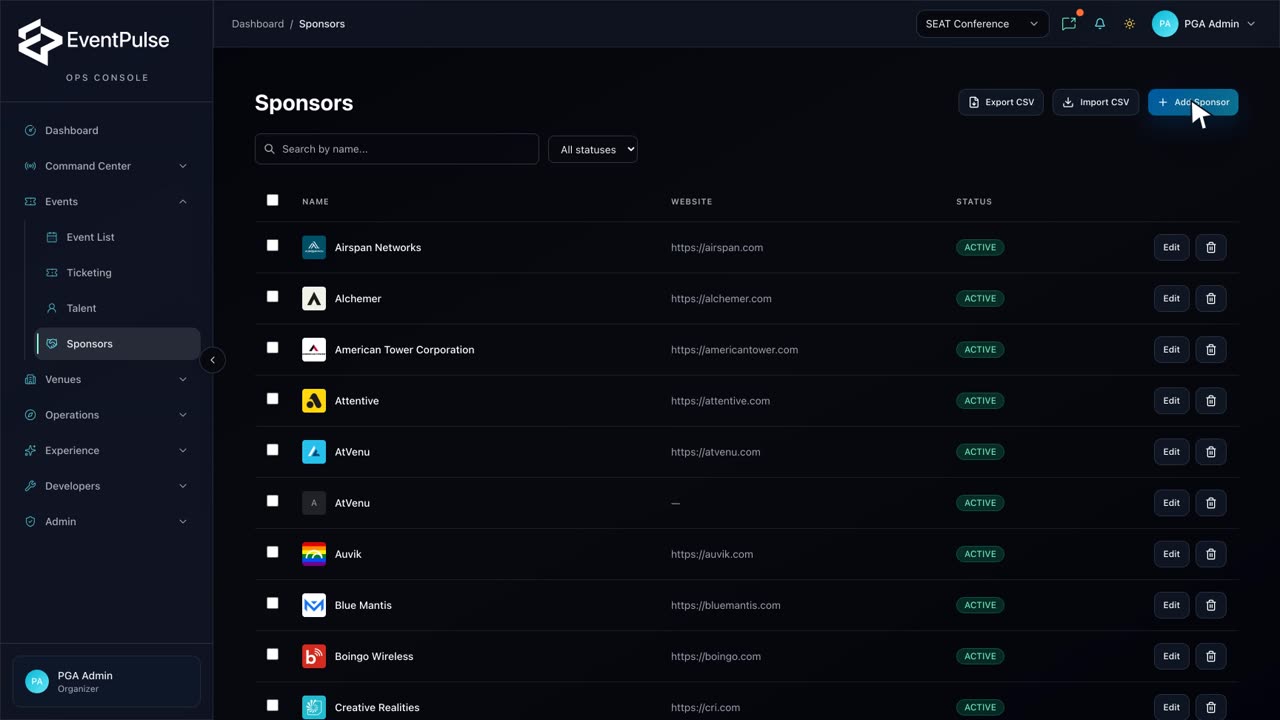
0:46Add & attach a sponsor
Create a sponsor record and attach it to an event — a complete, narrated end-to-end sponsor workflow.
 0:07
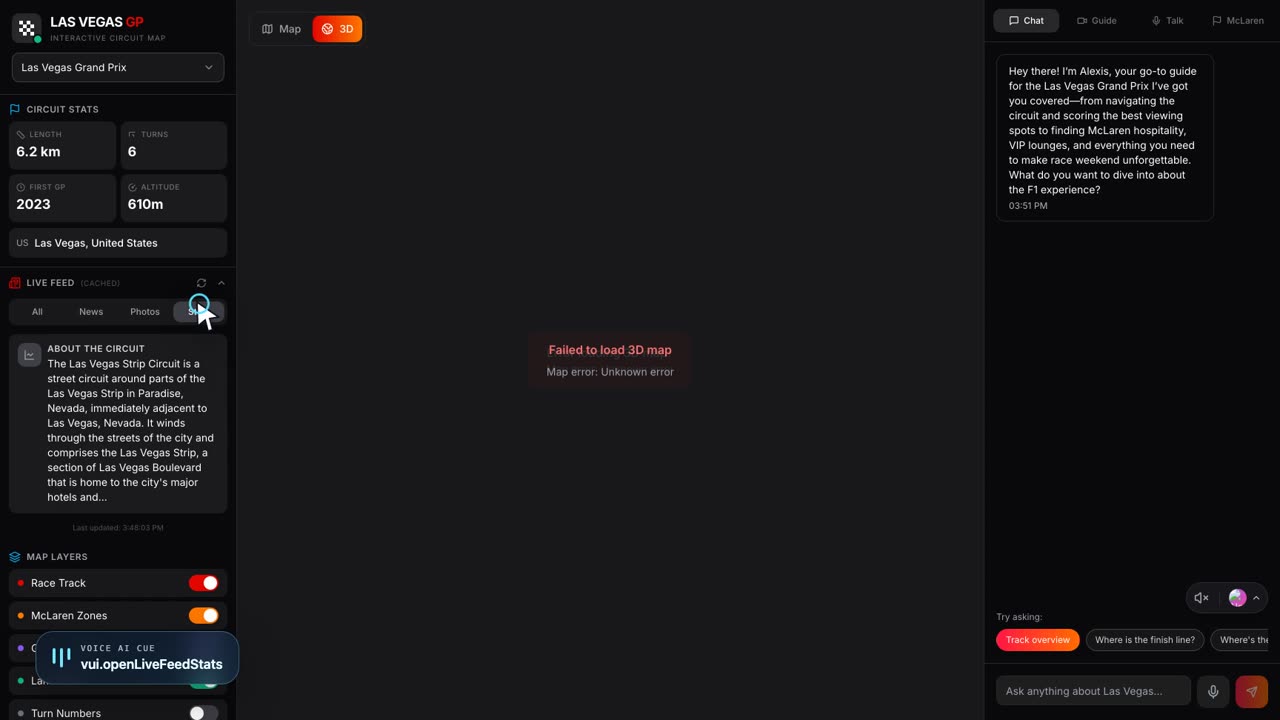
0:07Motorsports operations map
A flagship look at live event operations and the WebGPU venue map for a motorsports program.